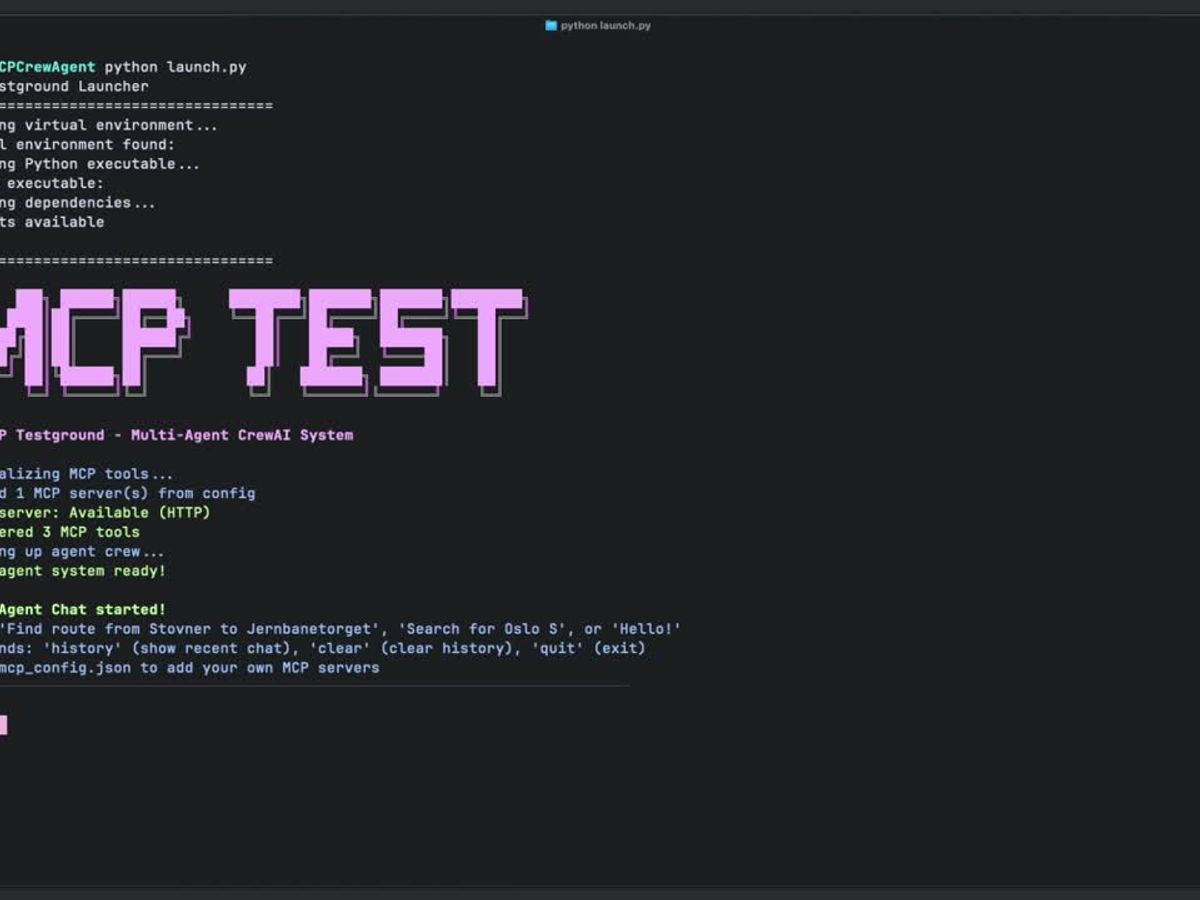
How I connected my assistant to ComfyUI
I built Comfy2MCP so my coding assistant can run approved ComfyUI workflows, change configured prompts, and save the results locally.
February 26, 2026
In February 2026, I wanted my coding assistant to run my ComfyUI workflows without switching between tools. This was before ComfyUI had official MCP support. I built Comfy2MCP to choose which workflows it could use and where to save the results.
ComfyUI lets me build workflows by connecting nodes. I built a small local server that exposes approved workflows through MCP (Model Context Protocol). The assistant can then call them as tools.
The server runs through stdio (standard input and output), starting when the MCP client needs it. The client configuration looks like this:
{
  "mcpServers": {
    "comfy2mcp": {
      "command": "node",
      "args": [
        "/ABS/PATH/TO/Comfy2MCP/src/index.js",
        "--config",
        "/ABS/PATH/TO/config.toml"
      ]
    }
  }
}
Choosing what it can run
I keep the connection and approved workflows in config.toml. Each workflow has a name, description, and workflow_json_path. The connection uses comfyui.base_url, with optional API key settings.
The assistant uses list_workflows and run_workflow. I can name a workflow or let the server match one to the request. To run it, the goal or prompt must include "use comfyui".
Getting the result back
The server polls ComfyUI's history, downloads the outputs through /view, and saves them in the required local save_dir. It returns structured results for the assistant to use next.
How this could be used
While building a page, I could ask the assistant to "use comfyui" to generate an image and save it in the project’s asset folder. If the workflow allows prompt changes, the assistant could supply the description through the configured input.